Prey Chasing1.1
Publisher Description
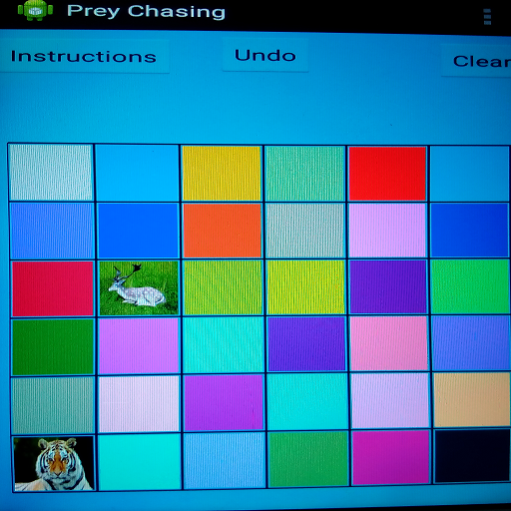
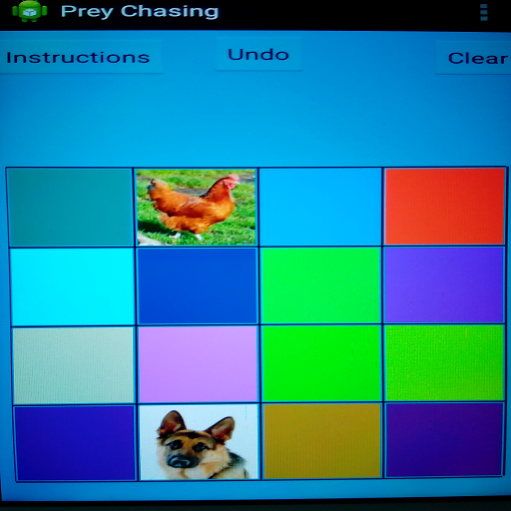
There are N x N grids (cells) in this simple game (mainly for children).
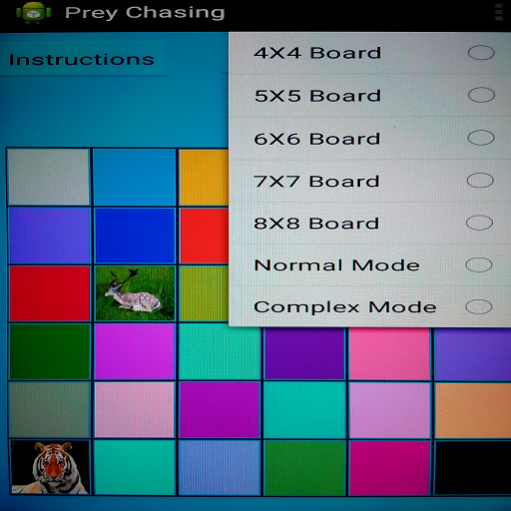
You can choose the board size or mode from options menu.
Board can be of 4x4, 5x5, 6x6, 7x7 or 8x8 size.
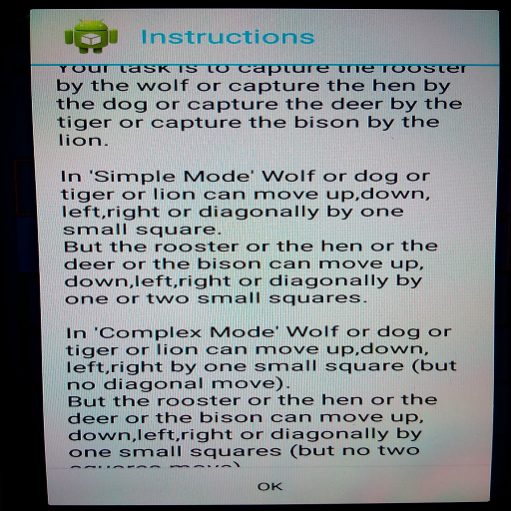
Your task is to capture the rooster by the wolf or capture the hen by the dog or capture the deer by the tiger or capture the bison by the lion.
In 'Simple Mode' the wolf or the dog or the tiger or the lion can move up, down, left, right or diagonally by one small square. But the rooster or the hen or the deer or the bison can move up, down, left, right or diagonally by one or two small squares.
In 'Complex Mode' the wolf or the dog or the tiger or the lion can move up, down, left, right by one small square (but no diagonal move). But the rooster or the hen or the deer or the bison can move up, down, left, right or diagonally by one small squares (but no two squares move).
Undo button restores the previous move.
Clear button clears the game board.
There are 2 modes (Normal and Complex) of the game.
By default game is started in normal mode.
In normal mode all the grids(cells) are blank.In random mode some grids(cells) are randomly colored.
If you switch from one mode to other, game is restarted.
This game is mainly targeted to children.
This game is FREE and it has no IN-APP purchase or ADS.
In case of any bug please let me know through emails.
About Prey Chasing
The company that develops Prey Chasing is AMITAVA CHAKRAVARTY (AC). The latest version released by its developer is 1.1.
To install Prey Chasing on your Android device, just click the green Continue To App button above to start the installation process. The app is listed on our website since 2016-11-10 and was downloaded 6 times. We have already checked if the download link is safe, however for your own protection we recommend that you scan the downloaded app with your antivirus. Your antivirus may detect the Prey Chasing as malware as malware if the download link to ara.adrija.jrooster is broken.
How to install Prey Chasing on your Android device:
- Click on the Continue To App button on our website. This will redirect you to Google Play.
- Once the Prey Chasing is shown in the Google Play listing of your Android device, you can start its download and installation. Tap on the Install button located below the search bar and to the right of the app icon.
- A pop-up window with the permissions required by Prey Chasing will be shown. Click on Accept to continue the process.
- Prey Chasing will be downloaded onto your device, displaying a progress. Once the download completes, the installation will start and you'll get a notification after the installation is finished.
Program Details
System requirements
Download information
Pricing
Version History
version 1.1
posted on 2016-11-11
Proper messages are added for display
